Explore strength and conditioning software features by coaching job
Explore Repit features for programming, nutrition, readiness, check-ins, client delivery and coaching-team coordination. Use this index to choose the workflow you need to evaluate, then review the relevant controls, client experience, plan terms, and adjacent buying guide.
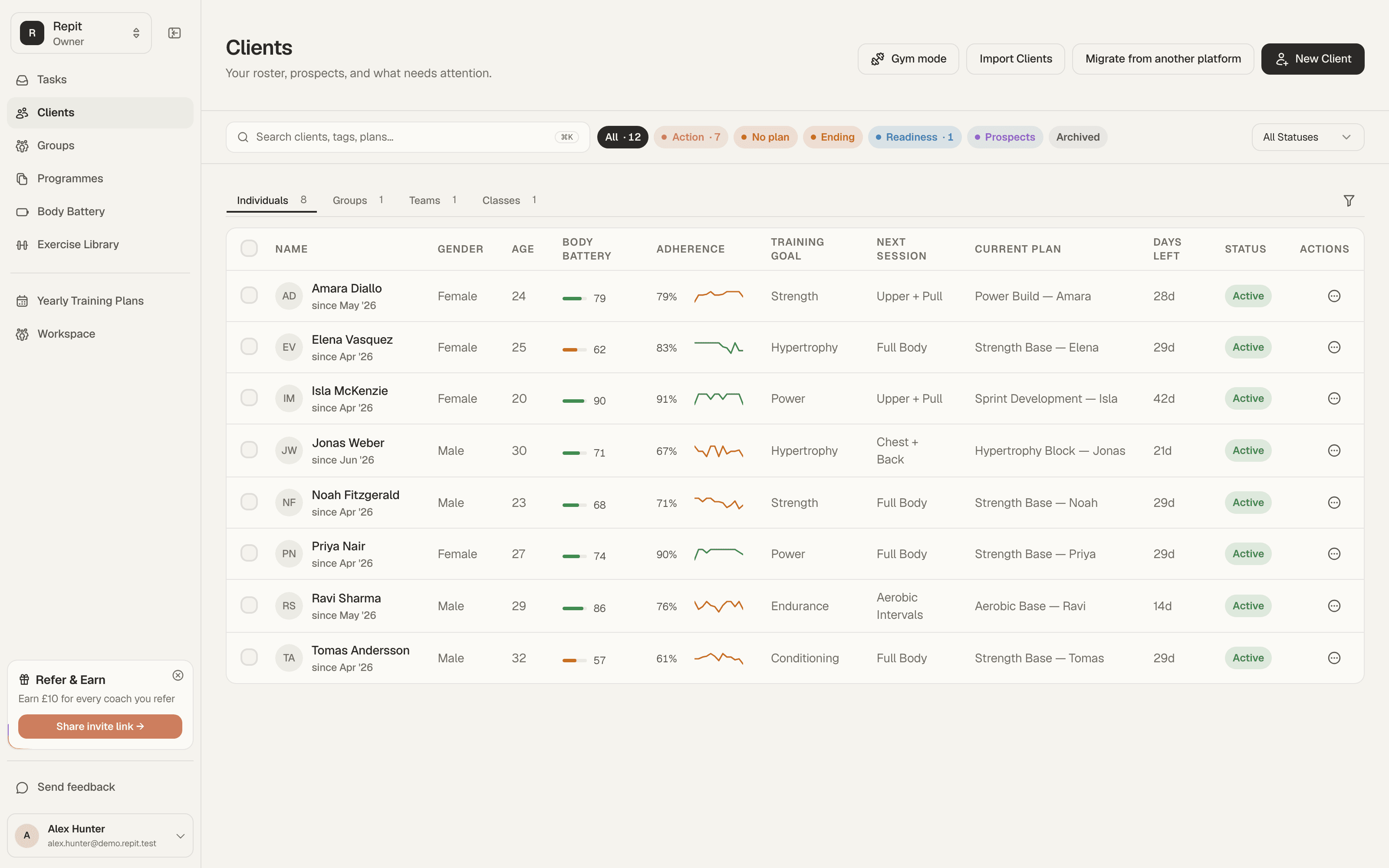
A practical feature review
Who it helps
Independent coaches and coaching teams comparing which product area to inspect first.
How to evaluate it
Choose the coaching job closest to your current decision, then open its focused walkthrough.
What the coach sees
Each walkthrough shows the coach side of one job: writing the plan, reading what came back, and running a team.
What the client sees
The client side of every job lands in one app: the session to train, the log, and the check-in.
Before you use it
Check the current plan catalogue, client limits, and workflow controls before choosing a plan.
Feature walkthroughs by coaching job.
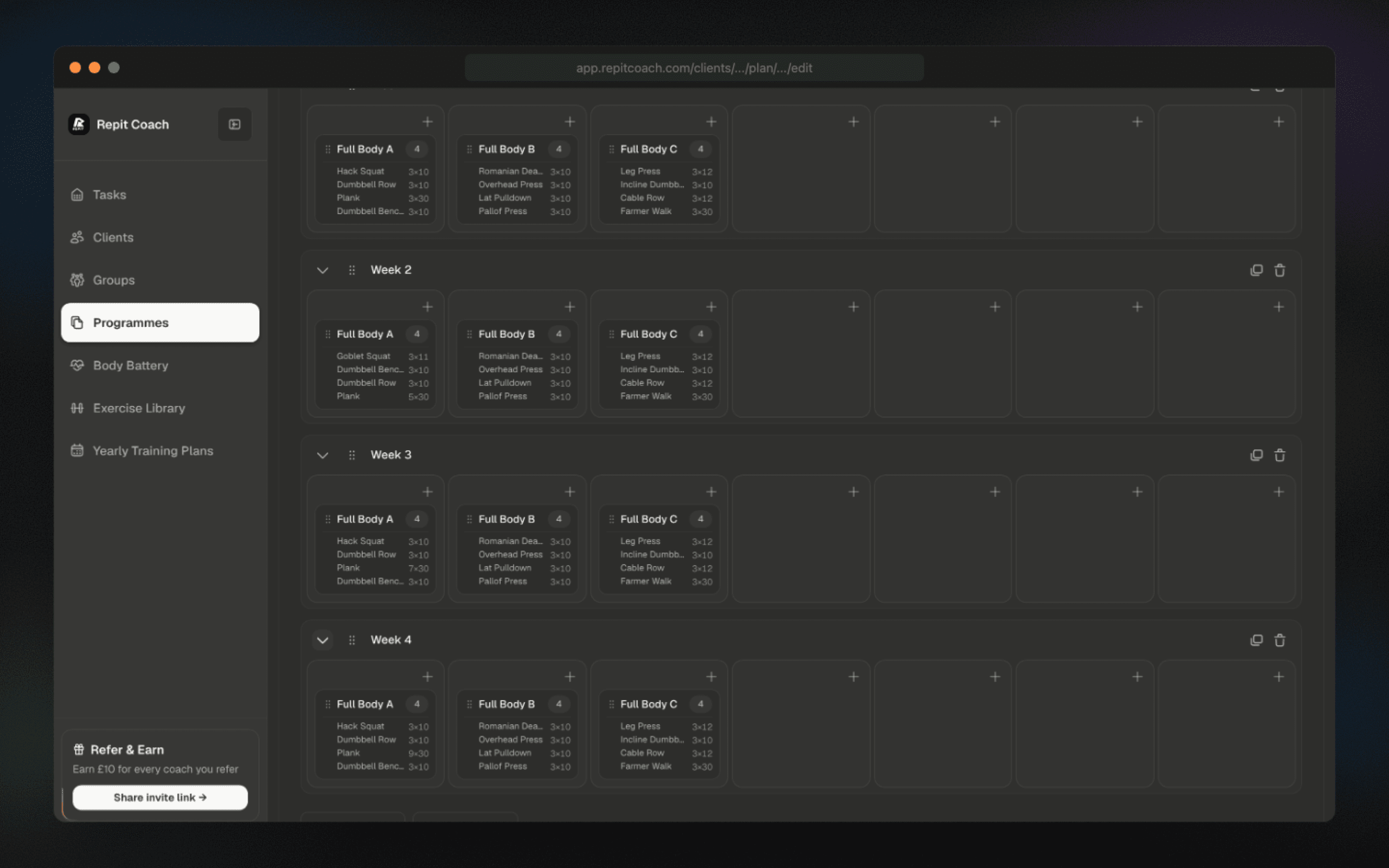
Programme for everything without starting from zero.
Calendar-first programming handles strength, hypertrophy, conditioning, sport prep, rehab progressions, and in-season maintenance from the same UI.
- Build once, reuse blocks, and adapt by client, squad, goal, or date range.
- Programme sessions, progressions, substitutions, and missed-session review in one workspace.
- Use the programming UI for individual clients, groups, annual plans, and templates.
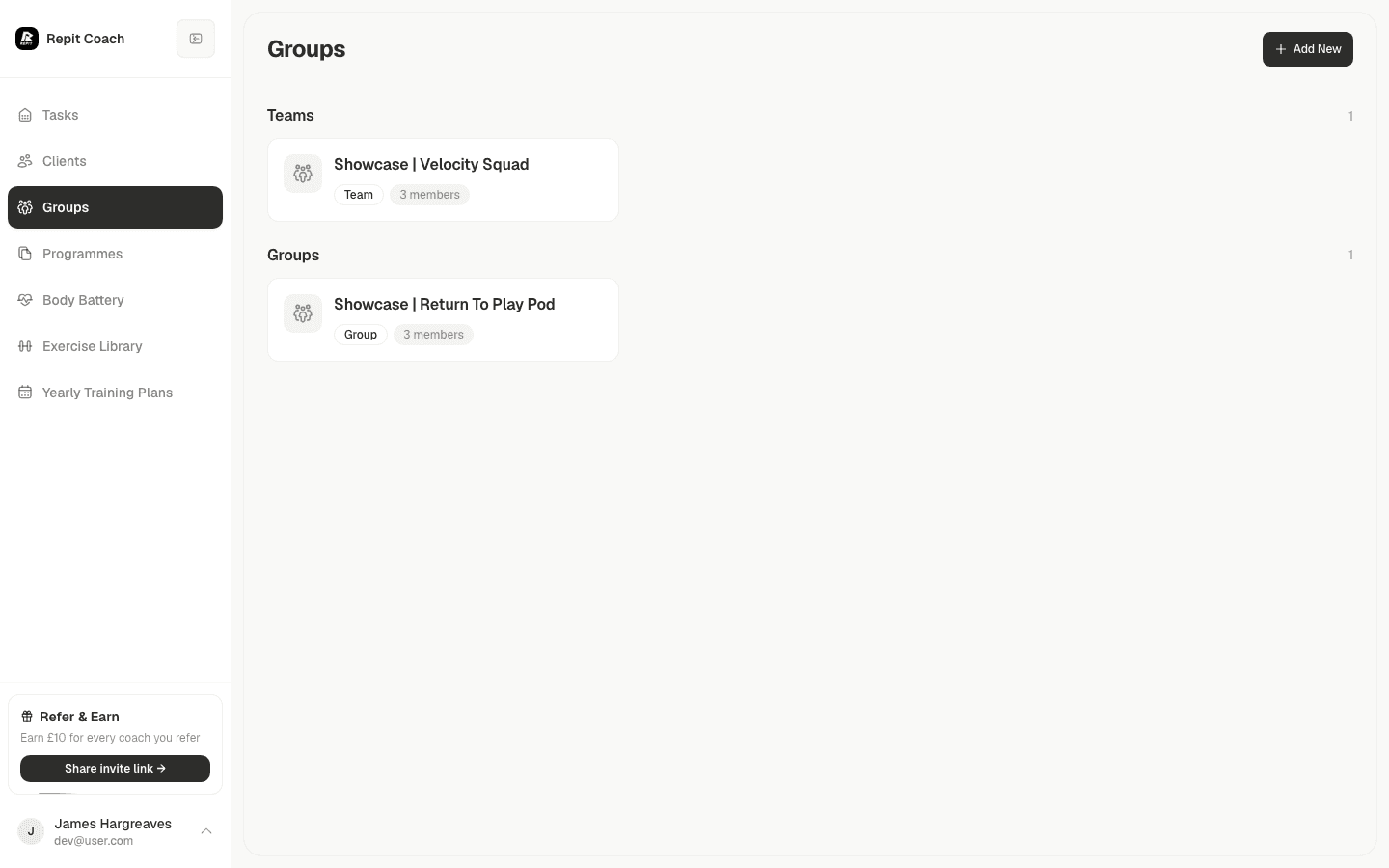
Give every coach the same operating system.
Evaluate squads, roles, permissions, shared libraries, annual plans, and client oversight against your team workflow.
- Organise clients by squads, groups, classes, and coach responsibility.
- Share templates and programming assets without losing ownership controls.
- Keep workspace billing, capacity, permissions, and rollout in one place.
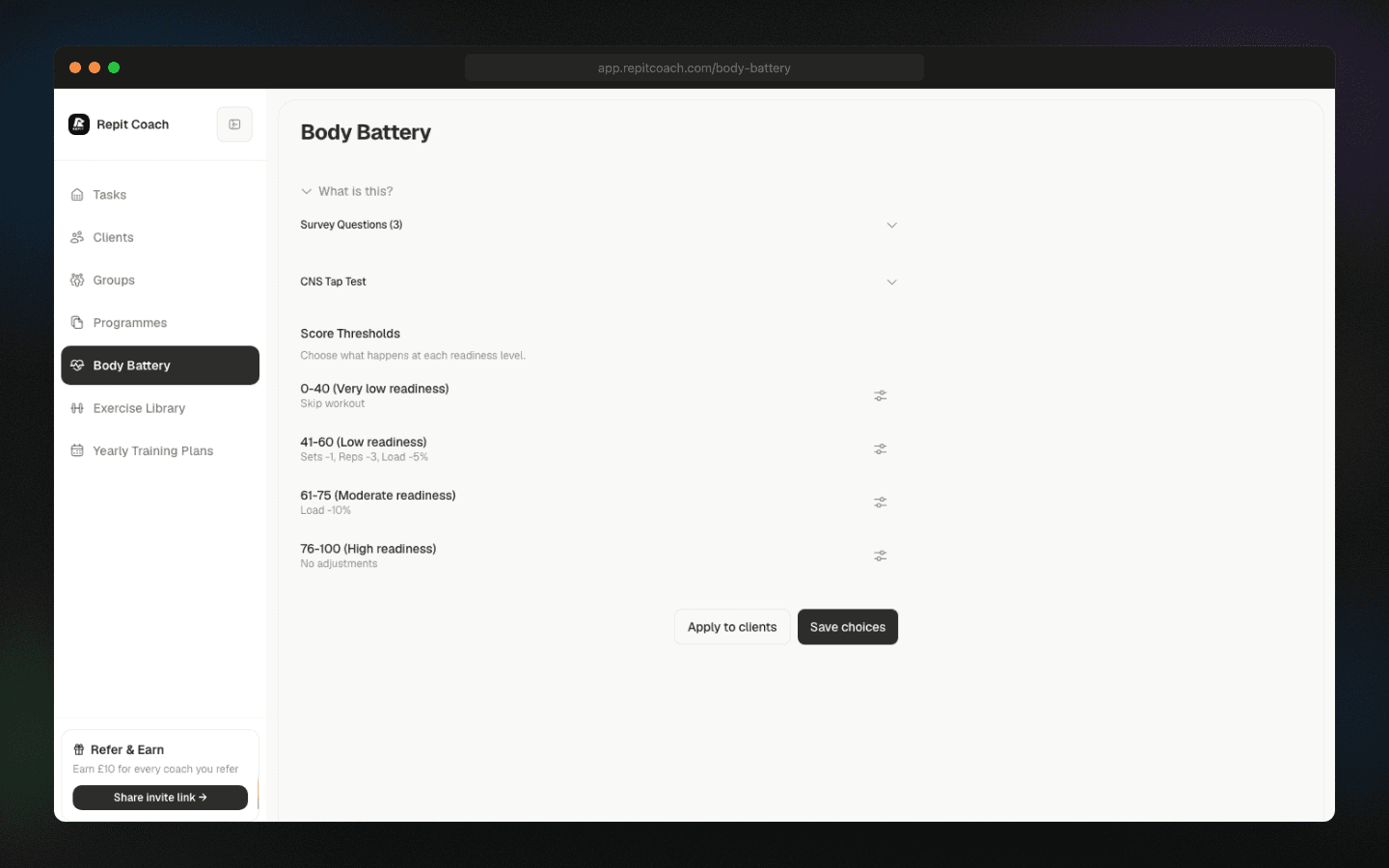
Review readiness and recovery context.
Compare the available readiness and recovery controls with your current session-review process.
- Review training adjustments against readiness
- Monitor recovery against each client’s own baseline
- Review clients who may need attention
Review the calendar cost of missed sessions.
Review missed sessions and the remaining calendar when life gets messy. Confirm each schedule change before applying it.
- Review missed sessions before changing future dates
- Review programme structure before applying schedule changes
- Compare schedule controls with your current calendar workflow
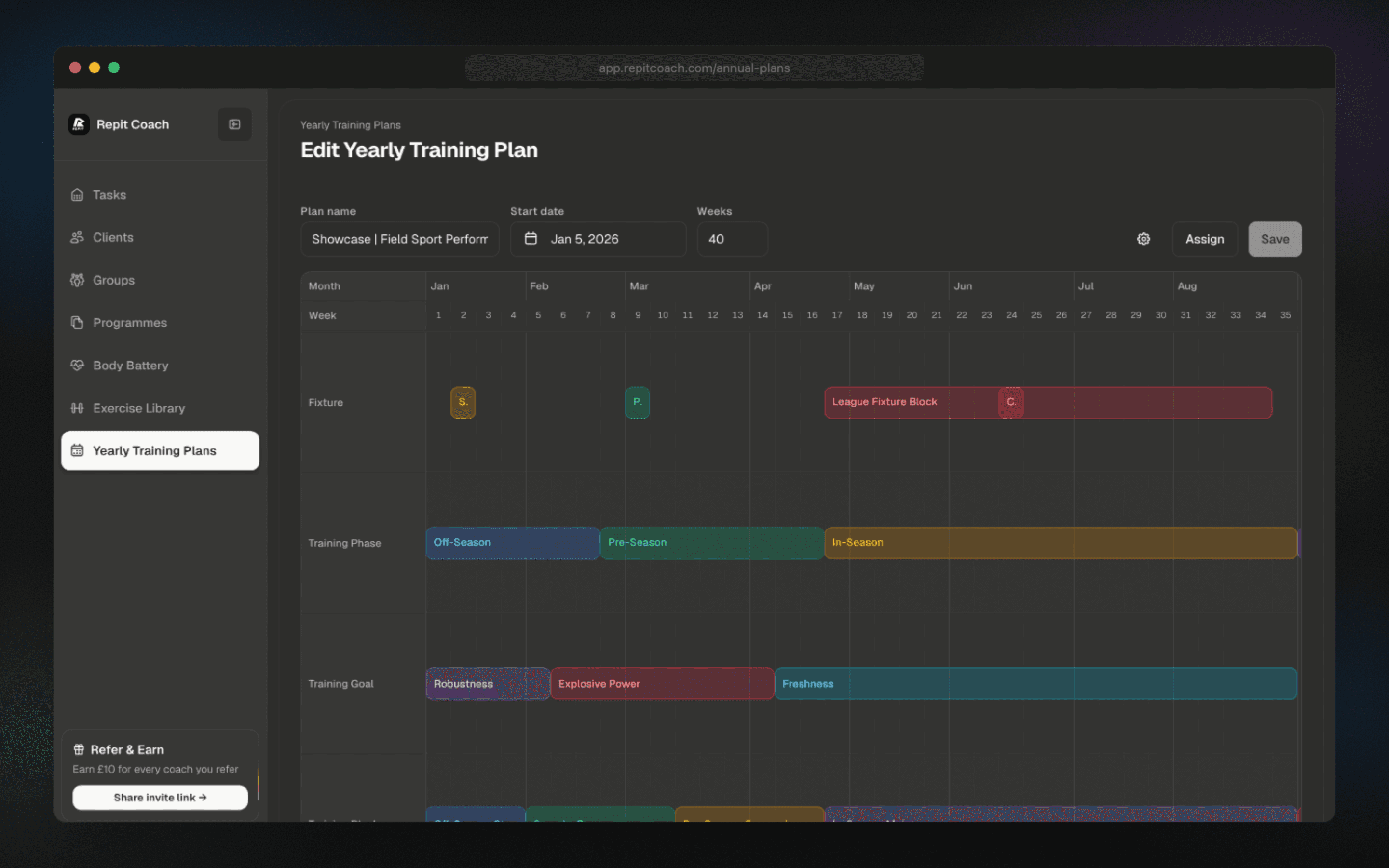
Sell bigger outcomes with a clearer roadmap.
Review training phases and event dates in the annual-plan view.
- Review full-season phases and event dates
- Schedule training phases around key events
- Inspect group delivery controls before rollout
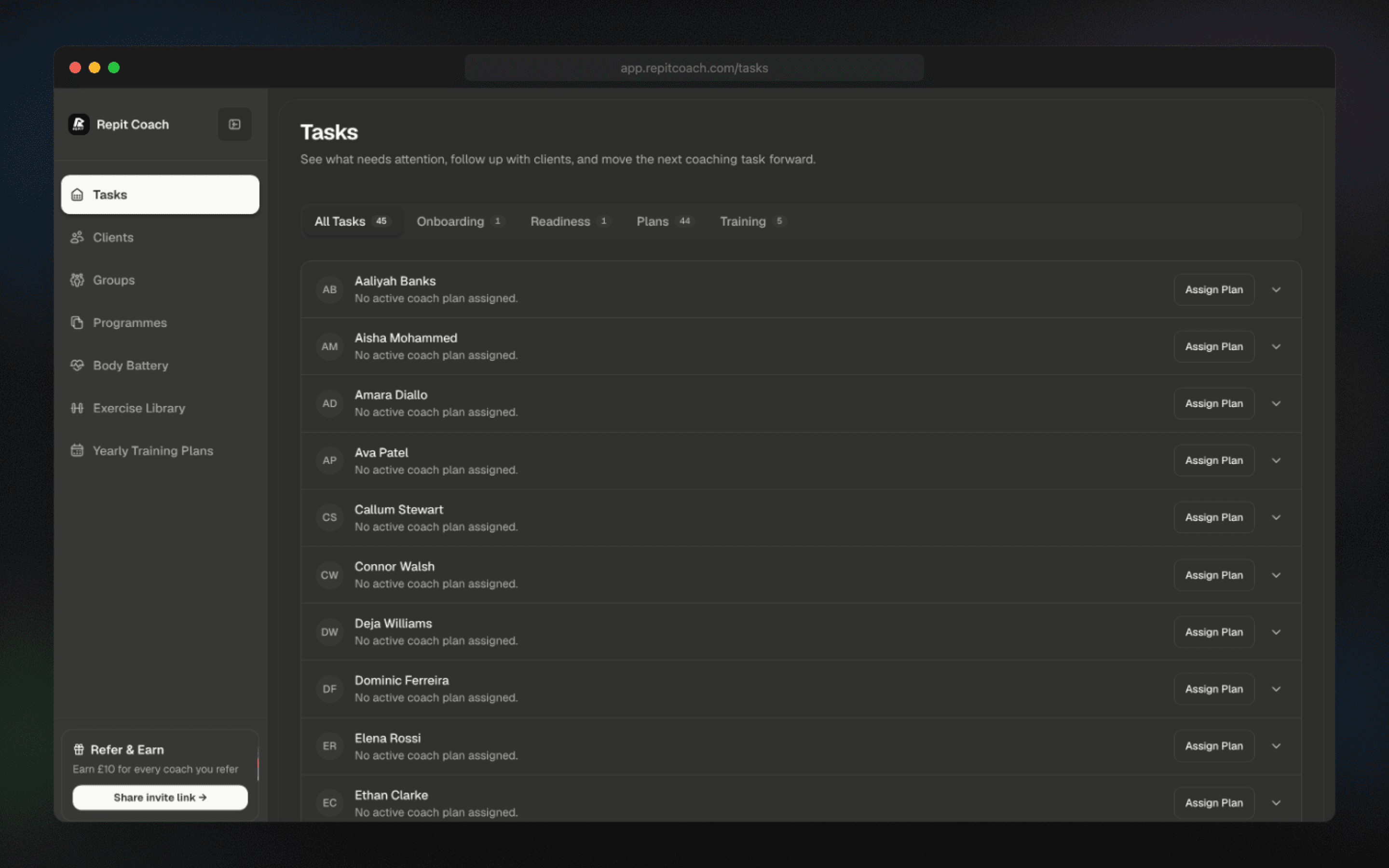
Review your coaching tasks.
Review onboarding, plan-gap, readiness, and missed-session categories in the current task view.
- Inspect the available client and admin categories
- Confirm how items link into each client workflow
- Compare task controls with your current review process
FAQ
Feature evaluation questions.
How should I use the Repit feature index?
Start with the coaching job you need to evaluate, then open the relevant guide to review the coach workflow, client experience, prerequisites, and current plan options.
Which Repit feature should I evaluate first?
Choose the workflow that currently creates the most uncertainty or repeated hand-offs. Test that workflow with representative coach and client steps before reviewing adjacent features.
Where can I compare coach and workspace plans?
Use the pricing page to compare the current coach and workspace catalogues, client limits, billing availability, and qualified start routes.