COACHING AUTOMATION · Feature deep dive · 3 min read
A practical feature review
Who it helps
Coaches and teams documenting repeatable administration before enabling a workflow.
How to evaluate it
Map the trigger, current controls, review point, and owner for one representative process.
What the coach sees
You see the trigger, what it proposes, and the point where a coach signs it off.
What the client sees
The client only ever sees the message or change a coach approved.
Before you use it
Document ownership, test on a sample process, and retain a manual recovery path.
01 · Why we built it
Growth should not cost you your evenings.
Every coaching business hits the same ceiling: the roster grows until the admin around it (rebuilt calendars, copied programmes, twenty tabs of checking) eats the time the new clients were meant to be worth.
Choose which repeat workflows to evaluate and which decisions should remain with the coach.
02 · Missed sessions
Protect the week without touching the calendar.
Review how a missed session would change the remaining calendar before applying the change.
- Review missed work against the remaining schedule
- Inspect plan-history presentation for coach and client
- Decide whether calendar repair should remain manual
03 · Programme reuse
Turn programmes into assets.
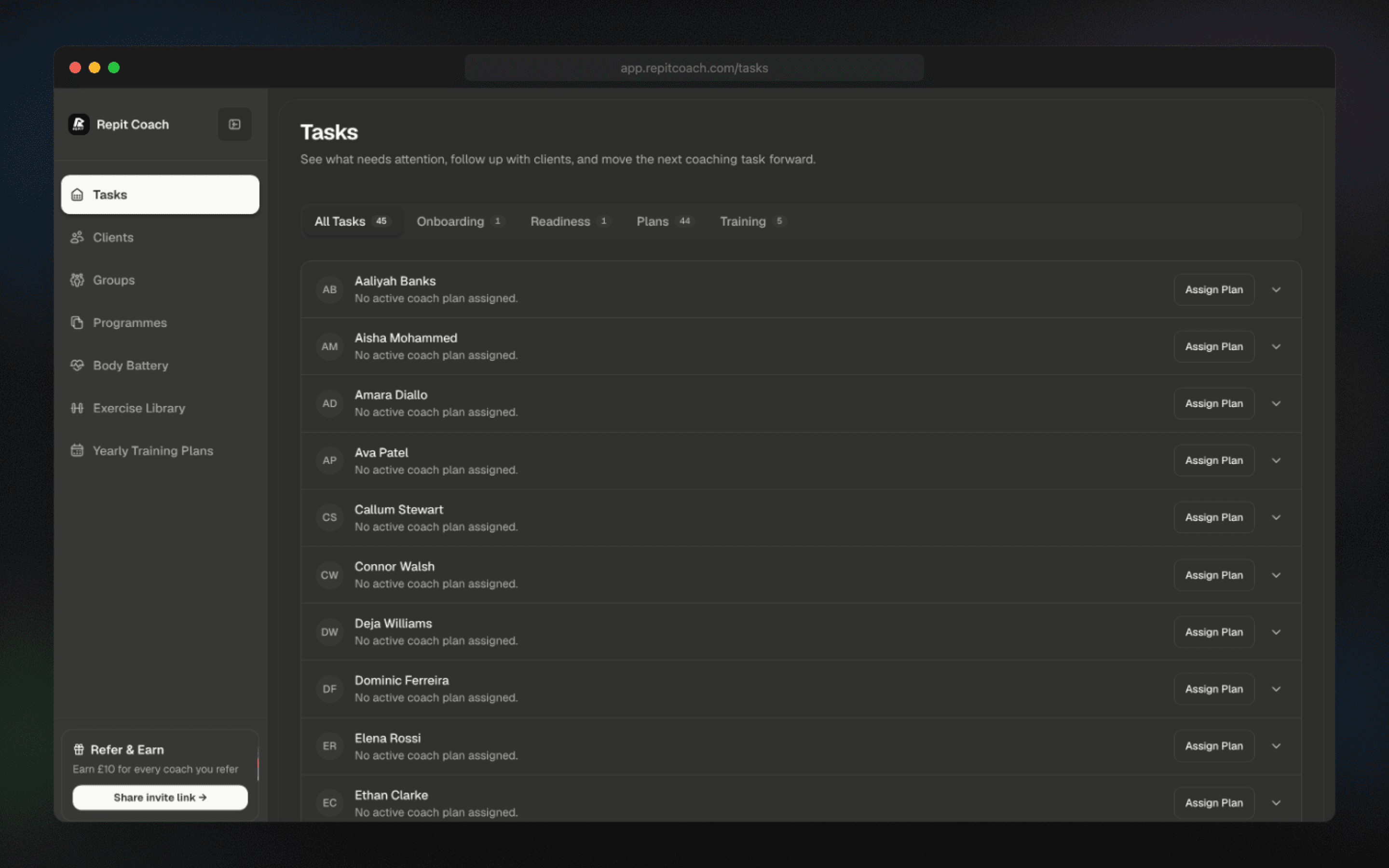
Review programme reuse, master-edit, and client-application controls before adopting them in your delivery workflow.
- Reuse proven blocks across new clients
- Keep edits attached to the master programme
- Clone a winning client's plan as a template, with dates and day numbers reset
04 · Triage
Review the task context.
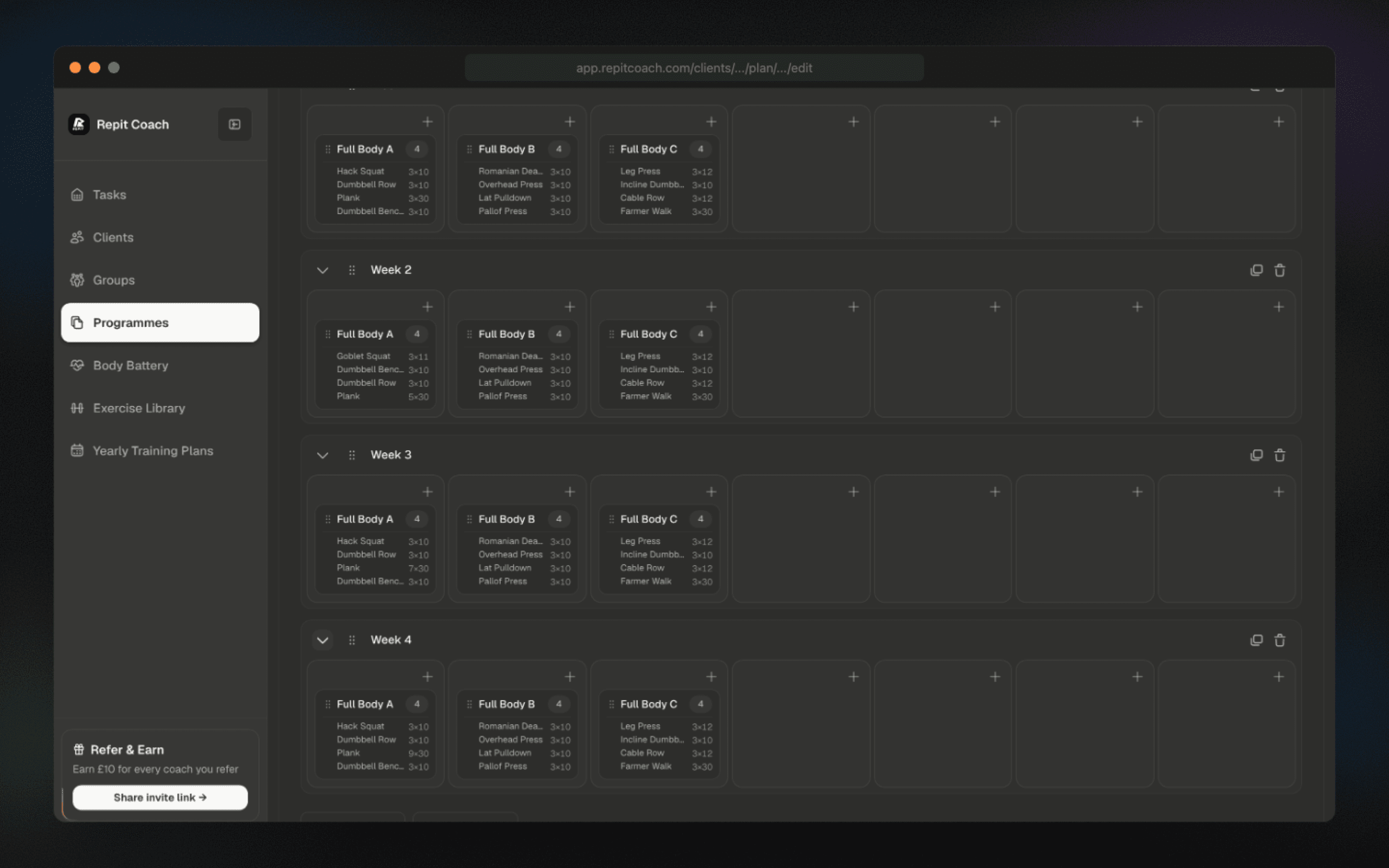
Review missed-workout, readiness, plan, and check-in context in the task feed before deciding what needs attention.
- Inspect missed-workout, readiness, and stale-plan categories
- Review the available urgency context
- Confirm how the feed links into each client workflow
05 · Check-ins
Review check-in cadence.
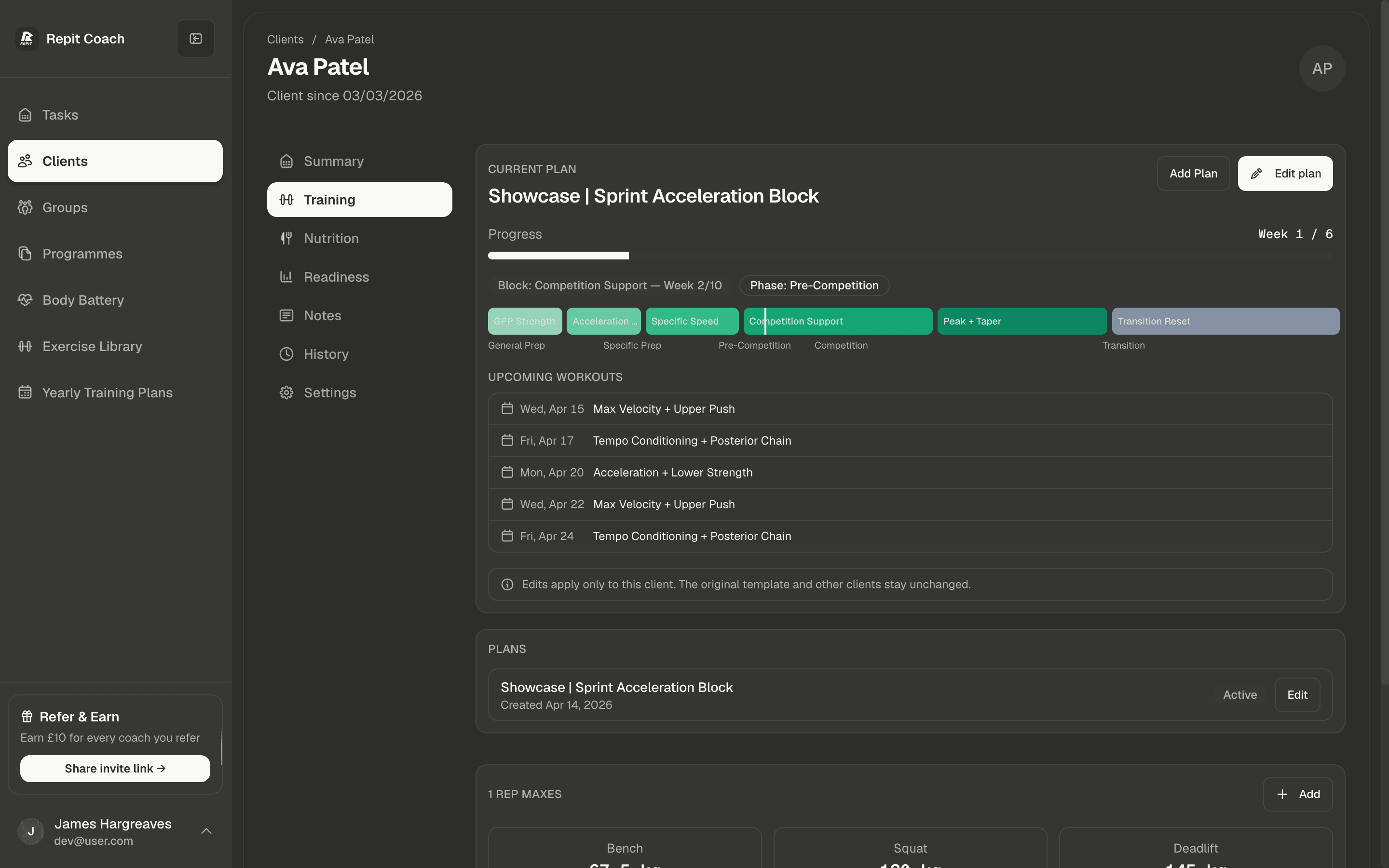
Review the available check-in cadence and periodisation controls before configuring them for a client.
- Review the available check-in cadence options
- Inspect response status in the current workflow
- Confirm build and deload controls before applying them