PROGRESSIVE OVERLOAD · Feature deep dive · 3 min read
A practical feature review
Who it helps
Coaches who progress lifts each week and want next week's numbers set from real results, not a spreadsheet.
How to evaluate it
Set a progression rule on one exercise, log a week of results, and open the next week to see what changed.
What the coach sees
You see each proposed progression before it reaches the athlete, and can adjust it per exercise.
What the client sees
The athlete gets next week's targets in the app once you approve them.
Before you use it
Enter a starting load or an athlete's max so the first week has a number to build from.
01 · Why we built it
The formula that breaks at week three.
Every coach has run progression from a spreadsheet: one overwritten cell and the whole block drifts. Multiply that by forty athletes and progression quietly becomes guesswork.
We built progression into the programme itself, so the next week starts from real logged numbers.
02 · Rules
Set the rule once. It carries the block.
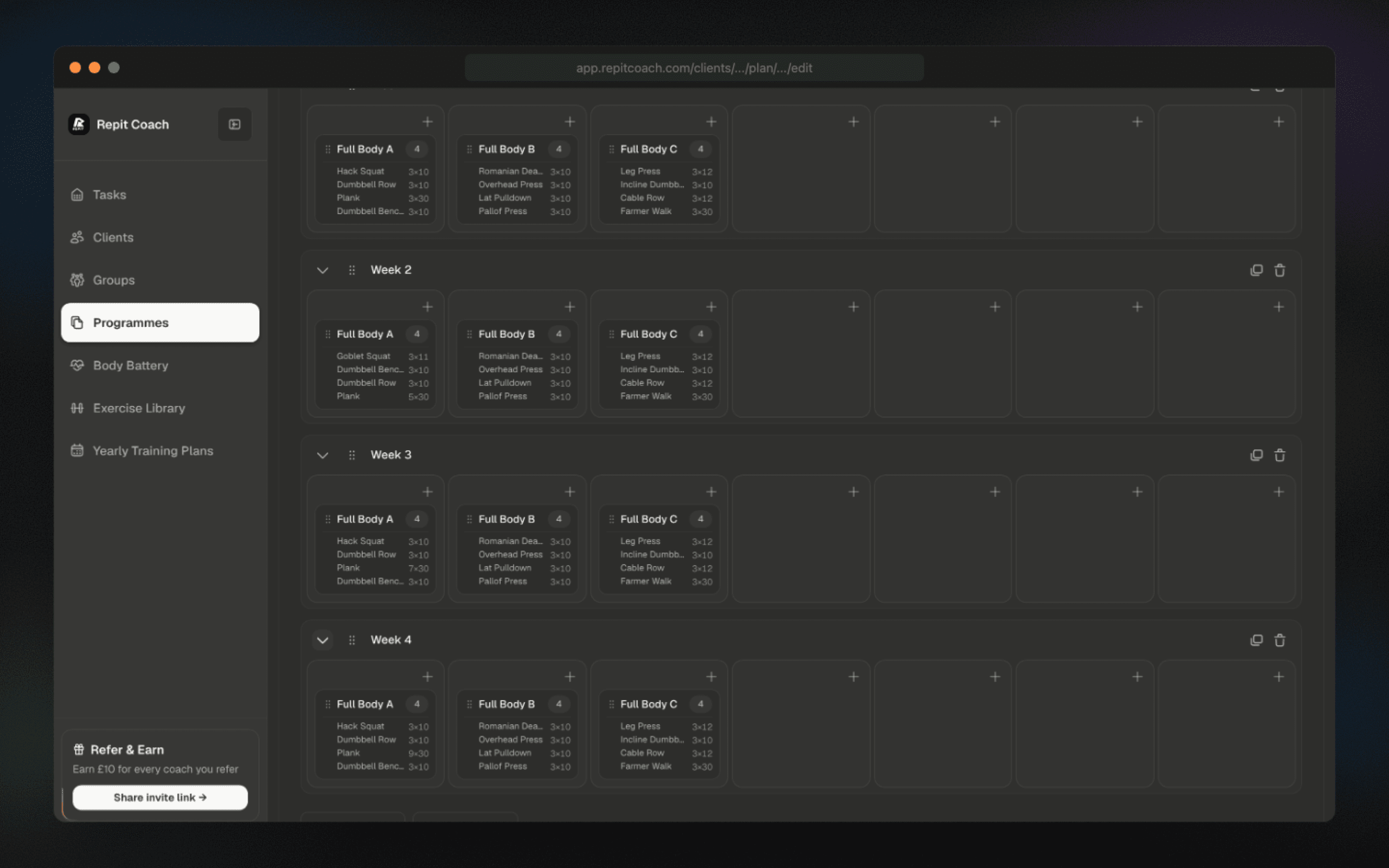
Repit applies per-exercise progression rules when a training week repeats.
Choose how each exercise progresses when you build the programme; the following weeks start from what was logged.
03 · Percentages
Percentage work without the calculator.
Programmes can set loads as a percentage of each client's one-rep max, and Repit calculates the working weight.
Update an athlete's max and their working weights follow.
04 · Control
The coach signs off.
Progression proposals are visible before they hit the athlete's week. Approve, adjust, or override per exercise. Automation does the arithmetic; you keep the judgement.