TEAM WORKSPACES · Feature deep dive · 3 min read
A practical feature review
Who it helps
Gyms, clubs and clinics where a coach, a physiotherapist and a nutritionist all work with the same athletes.
How to evaluate it
Add a second discipline to a test workspace, then send one athlete a task and watch where it lands.
What the coach sees
Owners see the whole roster; each coach sees only the athletes and classes they are given.
What the client sees
The athlete keeps one profile, whichever specialist is working with them that week.
Before you use it
Decide who owns each athlete and which roles each staff member needs before you invite the team.
01 · Why we built it
Group chats are not a clinical handover.
Most coaching software is built for one coach and their clients. Add a physiotherapist and a nutritionist and the tooling collapses into group chats, forwarded screenshots, and duplicate spreadsheets.
We built workspaces so a multidisciplinary team (strength coach, physiotherapist, nutritionist) can work on the same athlete record with the right access for each role.
02 · Access
Right people, right athletes, nothing else.
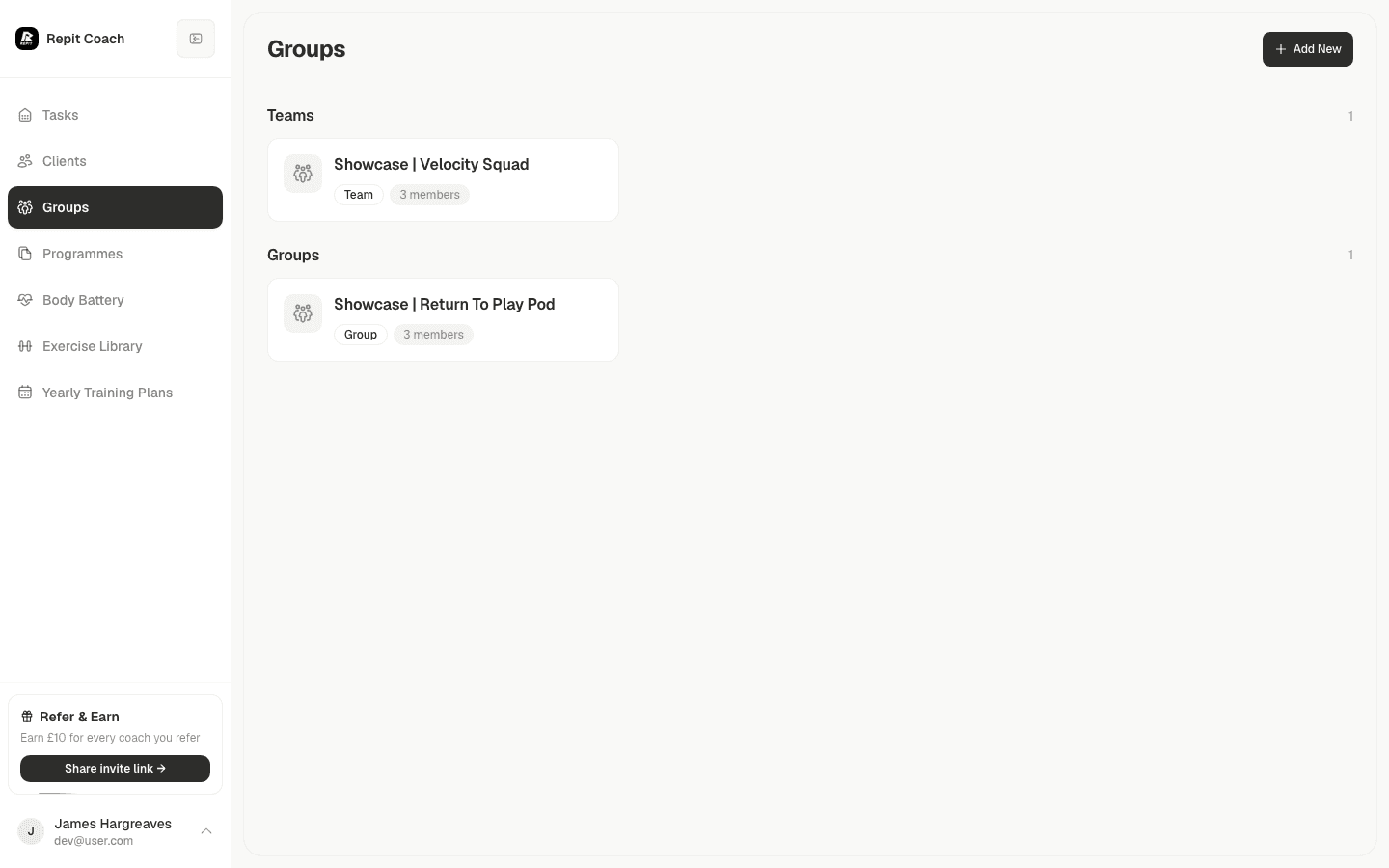
Owners see the whole workspace. Coaches see their athletes and classes.
Repit organisation access views cover owner and coach roles with scoped client and class access.
03 · Team tasks
Work goes to the specialist, not the group chat.
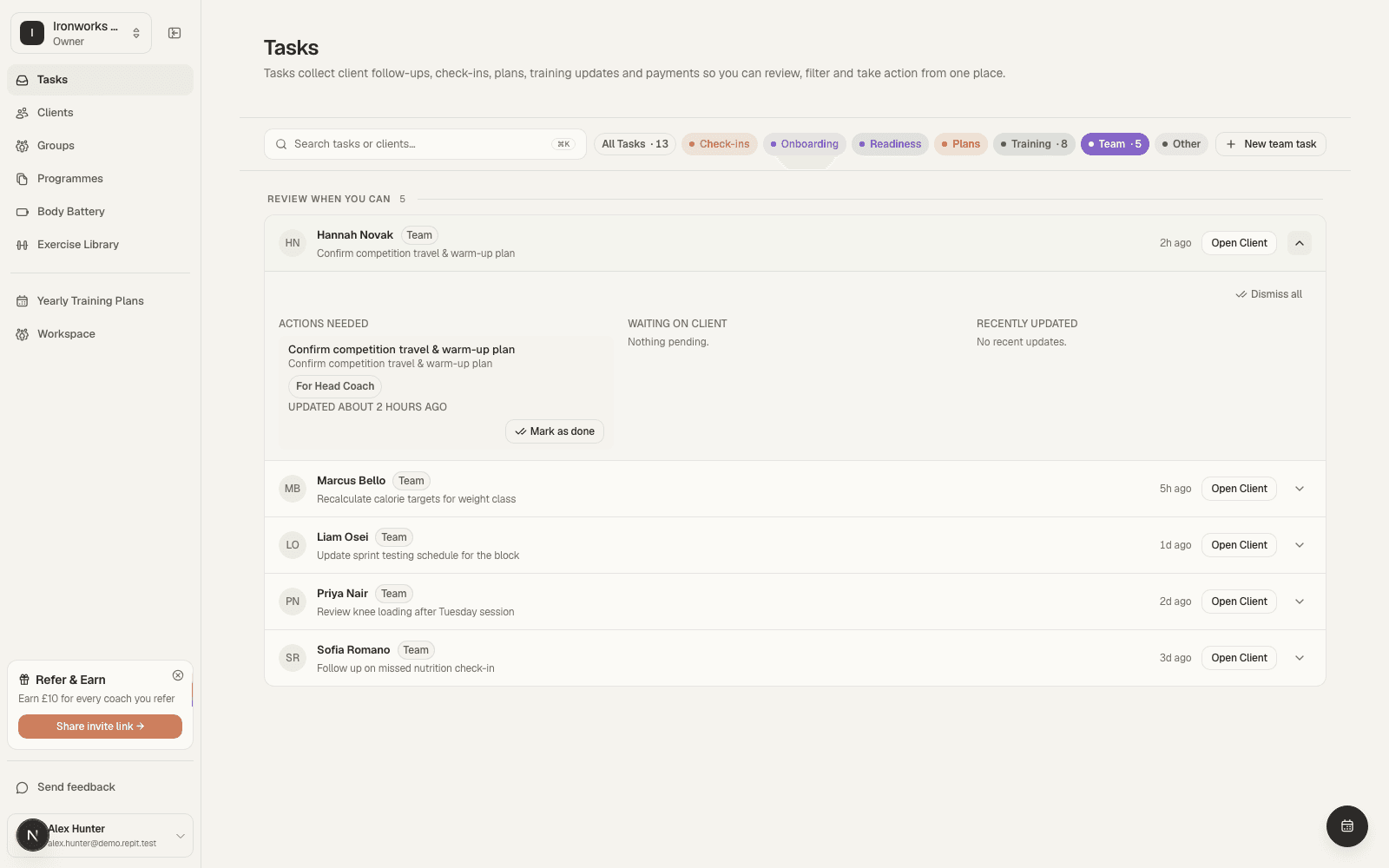
Workspace tasks route to a discipline (physiotherapist, nutritionist, or coach), so the right specialist sees them.
A flagged knee issue reaches your physiotherapist with the athlete attached. A nutrition review reaches your nutritionist. Nothing waits in a thread.
04 · Accountability
Know who did what.
An activity feed logs who assigned a plan and who added each team task.
That helps when you cover a colleague's holiday, run several sites, or answer a parent or director.